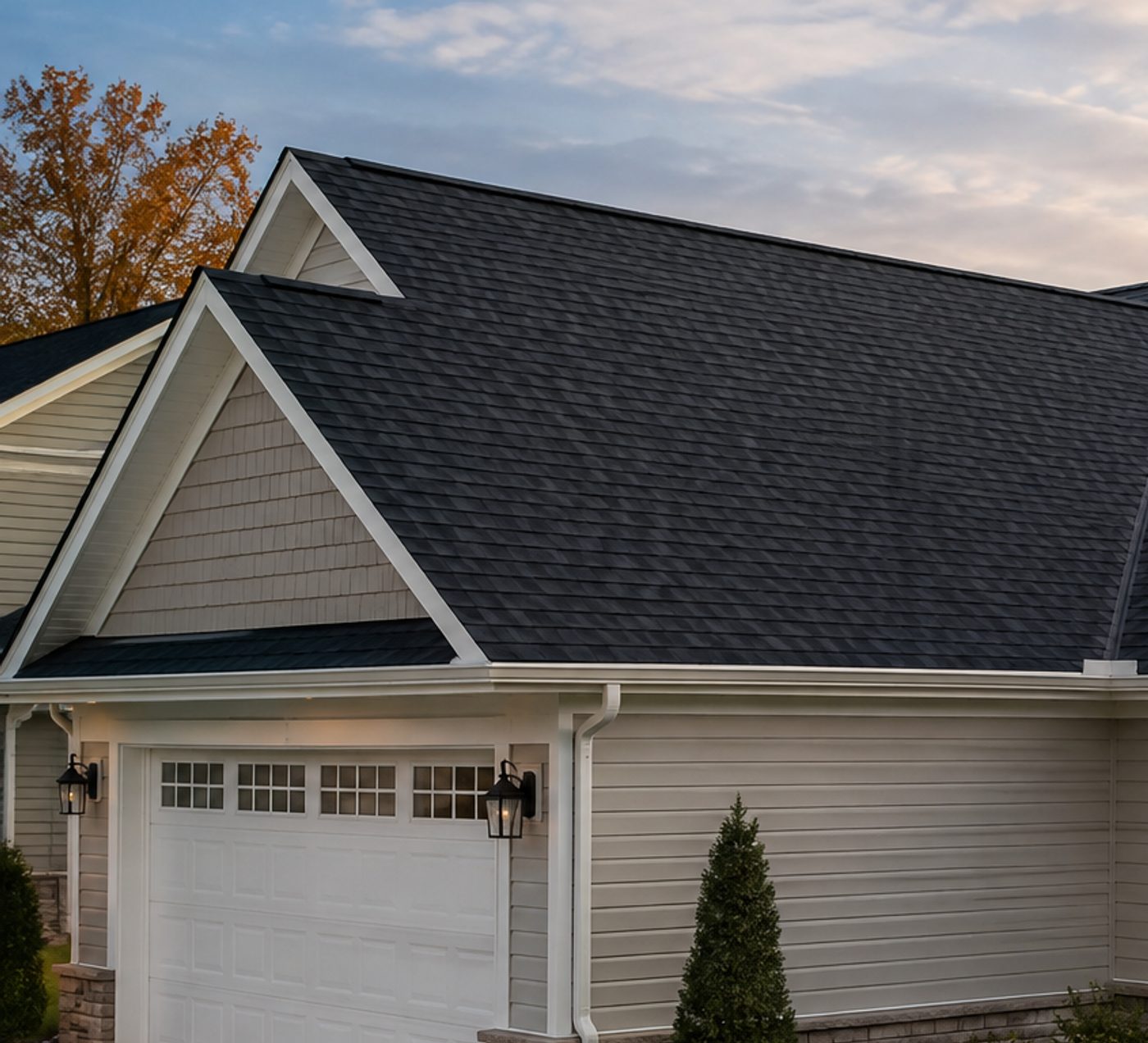

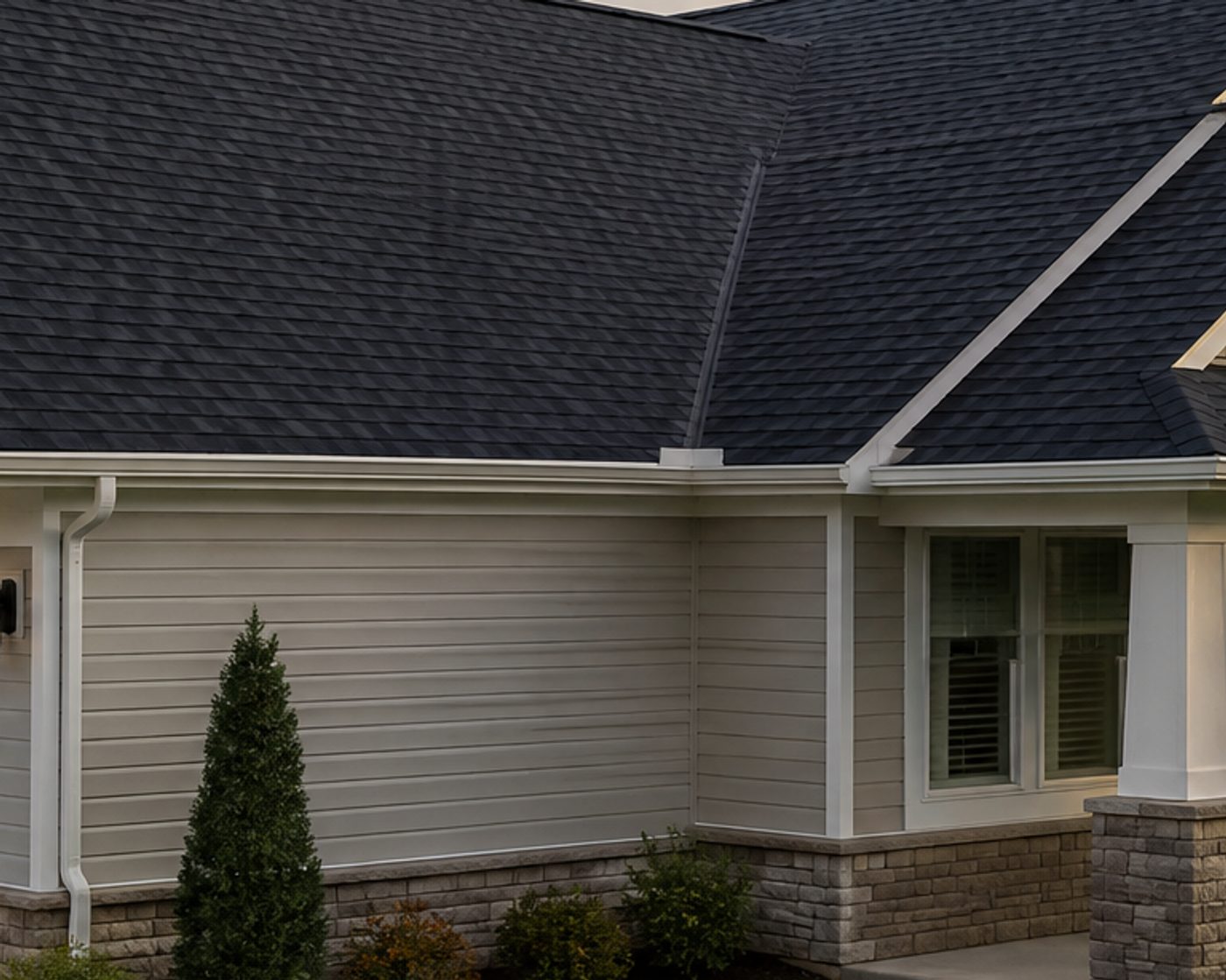
How to showcase a finished project
A project spotlight is a mini case study: the job's title, where it is and the details that matter to the next customer, like the materials, the color and how long it took. It's the post homeowners send to their partner with "this is what I want".
Add several photos and the Reel plays them as a quick tour of the job, with the title and details on screen the whole time, then lands on your main photo. The post image uses the main photo.
How it works
- Choose a main photoThe single best shot of the finished job.
- Add more photosUp to seven more: details, other angles, close-ups of the work.
- Write the title and location"Craftsman roof refresh, Round Rock, TX".
- Add up to three detailsMaterials, color, timeline: what the next customer will ask about.
Tips
- Name the product brand: people search for "GAF Timberline" or "Trex deck".
- Mix wide shots and close-ups in the extra photos.
- Keep the order: wide, details, then the main photo last.
Questions
How many photos can I add?
The main photo plus up to seven more. Each extra photo adds about a second and a half to the Reel.
Is it really free?
Yes. Post images are free and unlimited, with no account. The animated Reel MP4 is free for 3 Reels a month: you enter your email so we can send you the file. Both carry a small “Made with Vizzmo” mark in the corner.
Do I need an account or an app?
No. The post maker runs in your browser, on a phone or a computer. Your business name, phone number, logo and color are saved in that browser, so the next post takes seconds.
What sizes do I get?
The post image downloads at 1080×1350 (4:5 portrait, the tallest size the Instagram feed shows) or 1080×1080 square for Facebook and Google Business Profile. The animated Reel is 1080×1920, ready for Instagram Reels, Facebook Reels, TikTok and YouTube Shorts.